Ever feel like you’re drowning in bills? Managing a bunch of payments can be really tough. Debt management apps make it easier by putting everything in one clear view. Imagine seeing all your bills and loans lined up neatly on your phone screen, just like a dashboard for your money. In one glance, you can check every balance, note each due date, and plan your payments without all the confusion. It’s like turning a jumble of numbers into simple steps toward a debt-free life.
How debt management apps streamline organizing, tracking, and paying off your debt
Debt management apps bring together all your bills and loans into one clear view, kind of like a control center for your money. You don’t have to flip through endless statements because every detail, credit cards, personal loans, even medical bills, is neatly shown on one screen. For example, you can see remaining balances, APRs (the extra cost on loans) and minimum payments in friendly charts. Before using a debt management app, someone like Alex juggled three accounts, but now everything’s in one easy glance.
Not only do these apps show you what you owe, they also help you track your progress in a fun, visual way. Tools like the Payoff Planner let you set up a plan and see how long it will take to pay off your debts. It’s a bit like planning a road trip, step by step. And if you love a good visual cue, the Debt Payoff Planner uses lively charts that update automatically as you make extra payments or tweak your plan. This helps you quickly spot any debt that needs extra attention.
Plus, these apps work on your phone, tablet, or computer so you always stay connected to your goals. Some apps, like ZilchWorks, build a personalized plan offline in just about 10 minutes. Others, such as Unbury.me, whip up a neat dashboard with all the key info for you. Overall, using debt management apps is a smart way to organize your debts, track your progress, and work steadily toward reducing what you owe.
Key features of debt management apps for precise liability tracking
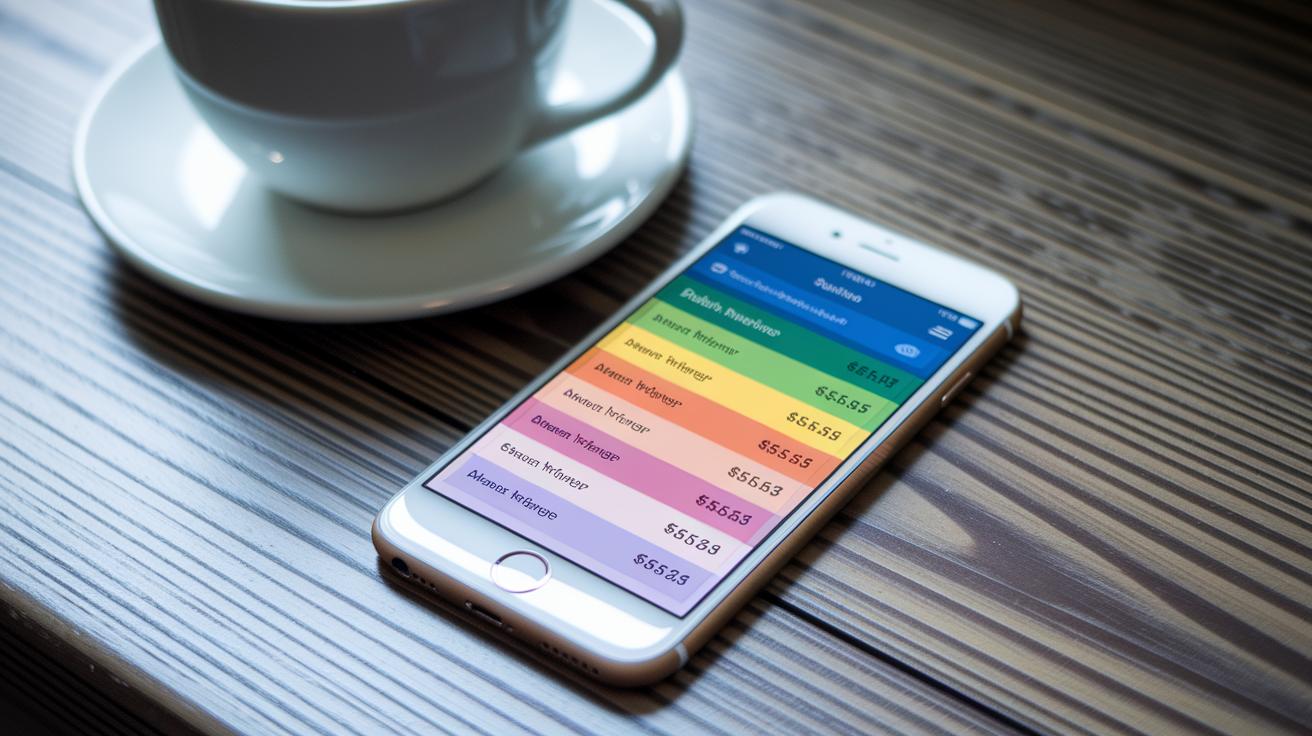
Debt management apps come packed with simple, user-friendly tools that help you stay on top of your debts. They send you friendly reminders, for example, a quick note on your phone saying "Your credit card payment is due tomorrow" so you never miss a beat.
They also handle tasks automatically. Take Payoff Planner, which sets up automatic fund transfers based on your schedule. And then there's Qoins. It takes the extra cents from your purchases (like the change you get back) and applies them toward your debt. Cool, right?
Here are some top features:
- Real-time alerts to keep you updated on due dates
- Automatic transfers and round-up options that help you slowly chip away at your balance
- Custom payoff plans, with Undebt.it offering nine different methods to match your needs
- Integrated tools like Debt Payoff Assistant for extra planning on iOS
Some apps are designed with special needs in mind. For example, Tally helps combine your credit card debts into one simple line-of-credit. Debt Book is built just for Android users. And if you prefer not being online all the time, ZilchWorks lets you set up a schedule offline, giving you extra peace of mind.
Comparing leading debt management apps for payoff planning
Picking the right app to manage your debt can seem tricky, but comparing them side by side makes it much clearer. Think about it like this: one app, Payoff Planner, shows bright, easy-to-read charts, while Debt Payoff Assistant lets you set up extra payments right on your iPhone. Before using an app, Jamie had to write down every bill by hand. Now, a quick look at her phone shows everything at once. This clear view helps you figure out which features are the most useful for you.
| App Name | Platform | Key Feature | Best For |
|---|---|---|---|
| Payoff Planner | All Devices | Visual tools and a timeline to see your payoff progress | Tracking progress visually |
| Qoins | All Devices | Weekly or payday withdrawals, round-ups, and a prepaid debit card that gives cash-back | Automated debt payments |
| Tally | All Devices | A line-of-credit option that combines debts (debt consolidation explained as mixing various loans into one) | Merging credit card debts |
| Undebt.it | All Devices | Nine different ways to pay off your debt plus a custom plan | Planning a plan that fits your needs |
| Debt Book | Android | Debt tracking made just for Android users | Simplicity for Android users |
| ZilchWorks | Offline | Plan your payoff in about 10 minutes without an internet connection | People who want extra security |
| Unbury.me | All Devices | Loan calculator that makes a dashboard for you | A quick look at your debt |
| Debt Payoff Assistant | iOS | A free tracker that also helps you plan extra payments | iPhone users seeking detailed control |
When you line up these options, each one brings its own cool tools to the table. If you like working offline, ZilchWorks might be your best bet. Android fans will find Debt Book just right, while iPhone users might lean towards the extra planning features on Debt Payoff Assistant. This side-by-side look makes it easy to pick the tool that fits your way of handling debt perfectly.
Pricing and budgeting tools in debt management apps

Lots of debt management apps use a freemium model, which means you get some handy features for free. For instance, Undebt.it lets you start with basic tools at no cost, but if you want a personalized payoff plan, you can upgrade. Debt Payoff Assistant is completely free, making it a good choice if you're just starting out on your debt relief journey. Then there's Payoff Planner, which provides a free version as well as paid subscriptions that offer advanced charts to help you organize your payments. Qoins, on the other hand, charges a little fee for its smart strategy tool that rounds up everyday purchases automatically. And if offline budgeting is more your thing, ZilchWorks offers that without any extra charge.
These apps usually come with budgeting features like integrating bill payments, sorting your expenses into categories, and even setting up automated payment splits. This setup is like having a digital ledger that shows your income and spending as it happens, which really helps keep you on track with your budget.
For a better understanding of the costs when combining your debts, check out the pros and cons of debt consolidation at this link: pros and cons of debt consolidation.
Security measures in debt management apps: protecting your data
When you’re handling debt, keeping your personal info safe is a must. Most apps for managing debt on iOS and Android use secure encryption, which is like having a personal safe that only you can open. Think of it this way: your secure PIN acts like a key to your very own treasure chest, so even if someone tries to peek, your details stay secret.
Using extra security steps such as a PIN combined with a fingerprint scan adds another layer of comfort before you get into the app. Some apps, like ZilchWorks, even let you work without being online. With offline features, your data stays right on your phone instead of traveling through the internet, which helps keep it more secure.
Before you link your important financial accounts, it’s smart to take a quick look at the app’s permissions, check its encryption (the method it uses to scramble your info), and read reviews from other users. Updating these settings on a regular basis can really help stop someone from accessing your private data. These little steps add extra safety along your journey with debt management, always helping to protect your info.
Setting up your debt profile in a debt management app: step-by-step
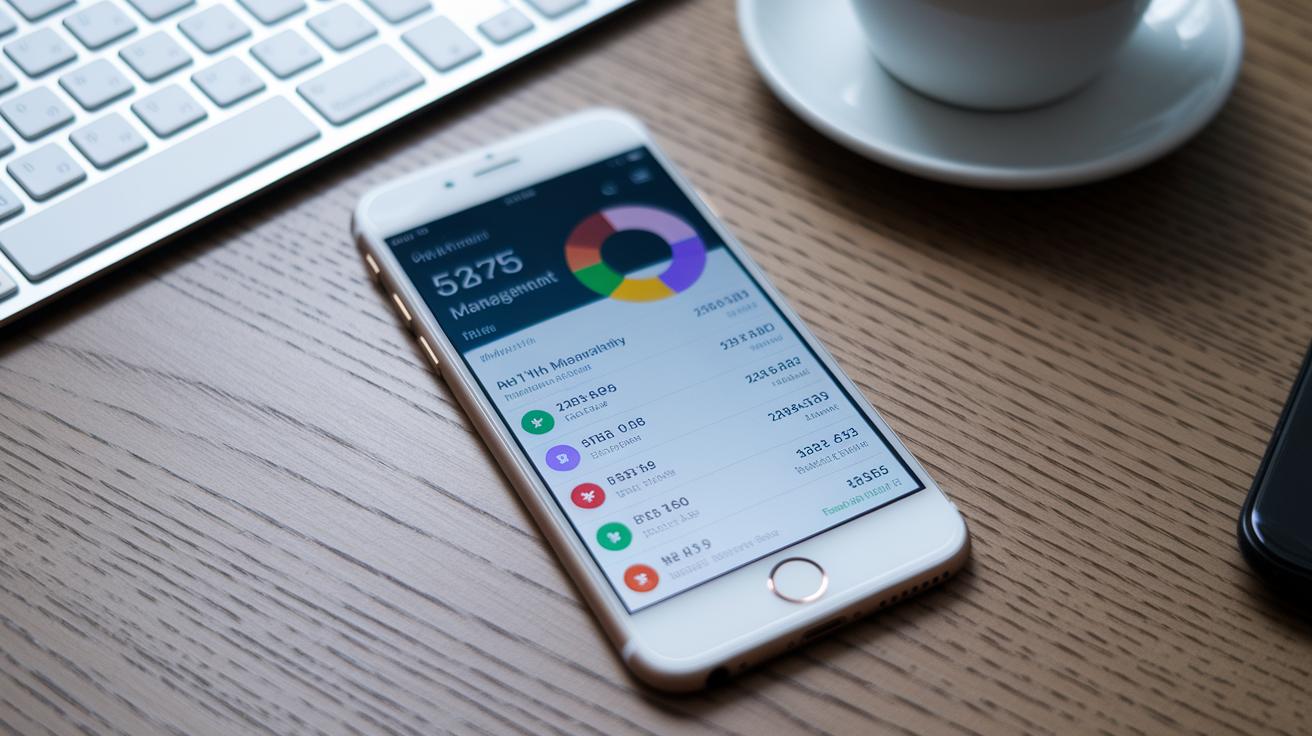
Start by adding each debt into the app. Enter the debt's name, how much you owe, the APR (that extra cost on your loan), and the minimum payment due. Imagine adding your car loan by keying in its balance, APR, and the monthly minimum, you get everything set up on one clear dashboard, just like Unbury.me does.
Next, choose a payoff plan that feels right for you. You can go with the snowball method, where you tackle the smallest debts first, or pick the avalanche strategy, which targets the high-interest ones. Think of it like choosing a travel route: one might have more stops, while the other gets you moving quicker.
Then, link your bank or card accounts to the app so you can set up automated payments. Tools like Qoins or Payoff Planner let you connect easily, kind of like putting your finances on autopilot. It really takes the worry out of remembering every payment.
After you connect your accounts, use the app’s built-in calendar to schedule recurring payments. This feature acts like a personal debt planner, making sure you know exactly when each payment is due. No more missed bills!
Lastly, keep track of your progress with visual charts that apps such as Debt Payoff Planner provide. If you find extra money coming in, adjust your plan as needed. This way, your setup turns into a living, interactive debt roadmap that guides you every step of the way.
Optimizing debt payoff with debt management apps: best practices
Start by setting a clear plan to pay off your debt. One smart trick is using the avalanche method (this means paying off loans with the highest interest rate first) on Undebt.it. In simple terms, any extra money you have goes straight toward the debt that costs the most, which helps cut down on interest. I once shifted my extra evening earnings to lower a high-rate credit balance, and it really worked.
Next, give automation a try. Tools like Qoins round up your everyday spending and use that extra change to chip away at your debt. It’s like saving pennies that add up quickly. And when you use Payoff Planner, you get these easy-to-read charts showing your progress week by week. Every small win adds fuel to your motivation.
Then, make time for regular budget reviews to see where you can save even more. As your money situation changes, tweak your plan and adjust your payoff dates. With Debt Payoff Assistant, set mini-goals, say, celebrate when one debt drops below a certain balance. These little checkpoints remind you that you're on the right track.
Finally, remember it's okay to check in with a credit counselor now and then. They can offer fresh advice and help keep your plan solid. By mixing a bit of automation, clear visual tools, and regular updates, you'll really boost your debt payoff journey.
Final Words
In the action, this post detailed how debt management apps help you track, organize, and plan debt payoff. The discussion covered smart tools for securely monitoring debts, setting up a clear debt profile, and refining your payment strategy. Real-time alerts, automatic updates, and visual aids make one feel more in control of spending decisions. Taking control of your money starts with smart choices. Embrace the insights and features of debt management apps, and take charge of a brighter financial future.
Your next step is to explore these solutions and find the perfect fit for your financial goals.
FAQ
Q: What are the best debt management apps available?
A: The best debt management apps offer clear dashboards, visual progress charts, and integrated payoff planners that help you track multiple debts and create a personalized plan to reduce what you owe efficiently.
Q: What debt management apps are free to use?
A: Free debt management apps include versions of Debt Payoff Planner and Debt Payoff Assistant that let you enter debts, schedule payments, and monitor progress without upfront fees, giving you an affordable way to manage liabilities.
Q: What features does a good debt payoff planner app offer?
A: A good debt payoff planner app provides visual timelines, automatic updates, and progress charts that display remaining balances and payment schedules while allowing you to set customized strategies for paying off debts.
Q: What is the best app for paying off debt?
A: The best app for paying off debt combines user-friendly interfaces with features like real-time account alerts, scheduling tools, and payoff calculators that help you formulate a clear plan for reducing your liabilities quickly.
Q: What is the best credit management app?
A: The best credit management app centralizes all credit-related accounts, shows current balances, APRs, and minimum payments, and offers tools like consolidation options and automatic reminders designed to support steady credit improvement.
Q: Can I create a debt management plan by myself using these apps?
A: Creating a debt management plan yourself with these apps is simple; you enter your debt information, select a payoff strategy, and the app calculates personalized schedules and visualizes your progress to keep you on track.
Q: Do debt management programs hurt your credit?
A: Debt management programs do not hurt your credit if managed properly; they help you stay organized and make timely payments, which can improve your credit score over time when used responsibly.

