Have you ever thought your grocery bills might get a lot smaller? Kroger digital coupons help you save money right away, turning shopping into a fun little challenge.
Picture tapping your phone to grab deals that lower your costs each time you check out. When you sign up, these simple coupons can add up to big savings over the year.
Let’s dive in and see how Kroger digital coupons can ease your checkout hassles and keep more cash in your wallet.
Getting Started with Kroger Digital Coupons
Kroger digital coupons make saving money really easy and a bit fun too. All you need is a Kroger account linked to your Kroger Plus card. Once you're set up, you can discover daily electronic deals and special weekly offers. Did you know that using coupons regularly can save you over a hundred dollars a year? It’s a neat trick to cut your grocery bill.
Finding these deals is a snap on the Kroger app or website. Every Wednesday, the weekly ad guide gets updated with fresh discounts. And if you’re more into paper than pixels, Kroger prints out paper copies of these deals in-store, so you always have options.
Setting up your account is a breeze. Just sign up with your email and link it to your Plus card, and your digital coupons will automatically apply at checkout. The instructions are clear on the screen, making the whole process simple to follow. Next time you head to Kroger, give it a try and unlock some secret savings.
Kroger Coupon App Download and Login for Digital Savings
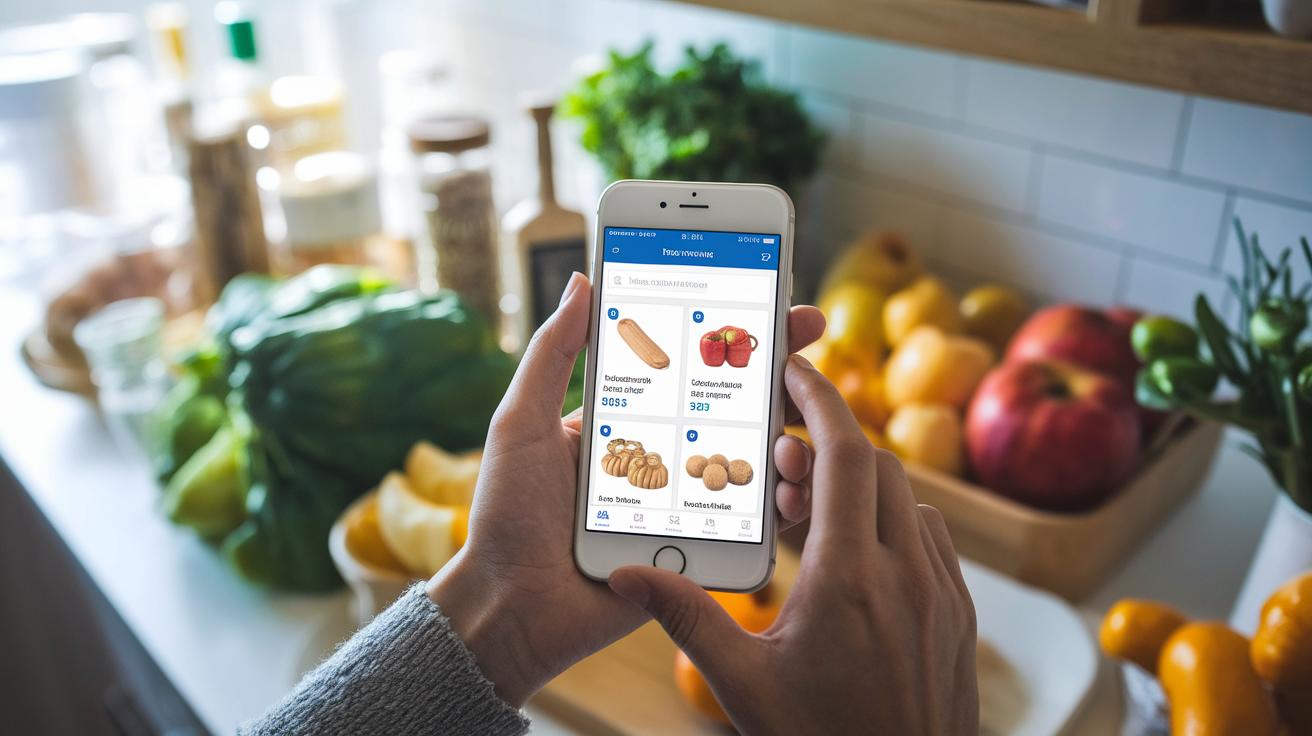
Start by grabbing the Kroger app on your iPhone or Android phone. Open your app store, type in the Kroger name, and hit install. It’s just like getting a cool new game to play, you’re setting up a handy tool to help you save on groceries.
Once the app is installed, fire it up and sign in with your Kroger account details. If you’re new to Kroger, just follow the simple prompts on the screen to sign up using your email. This step links your account with a Kroger Plus card so you can start saving right away.
After you’re signed in, take a minute to check out neat features like personalized discount alerts, details on Free Friday deals, and a click-and-save option that makes saving a breeze, just a tap and you’re done.
Redeeming Kroger Digital Coupons at Checkout
Once you've clipped your digital coupons, they automatically attach to your Kroger Plus card, saving you money at checkout. It’s really simple, but you do need to pay attention as you shop. When you're in the store, just scan your loyalty card or enter your phone number. If you're shopping online, be sure you're signed into your Kroger account so your digital coupons pop up in your cart. Think of it like checking your ticket before a big adventure, you don’t want to miss out on your treat!
Before you finish buying, take a moment to review the savings displayed at the register or in your online cart. Missing that "Apply" step could mean losing your savings. I once heard about a shopper who scanned their Kroger Plus card and saw their savings appear right on the screen, like they’d just stumbled upon a hidden bonus.
Here’s a quick, friendly reminder on how to make sure your coupons work for you:
- Scan or enter your Kroger Plus card at the register.
- Check that your digital coupons have been added before you complete your purchase.
- For pickup or delivery orders, confirm your clipped coupons appear in your online cart.
- Use any available QR codes for quick, in-store redemption.
Take a little extra time at checkout to look over your savings. Even a tiny mistake, like missing a click, might cost you a discount you worked for all week. With a bit more care, you can enjoy every benefit of your digital coupons and leave feeling like you really got your money’s worth.
Kroger Digital Coupons Spark Instant Savings

After you clip your digital coupons, managing them is as simple as checking your favorite playlist. Open the Kroger app and tap your dashboard. There, you’ll see a list of all your coupons with their expiration dates and current status. It’s like having a neat record of your grocery rewards so you always know when to grab a deal.
Sometimes coupons might not automatically load onto your Plus card. That’s why it makes sense to clip them manually – you can clearly see which deals are showing up in your account. Just head to the "My Savings" section for a live record of both used and expired offers. Think of it like keeping a digital receipt for all your discounts.
If a coupon no longer fits your shopping plans, you can unclip it before its time is up. For example, if you saved a coupon for an item you ended up not buying, simply unclip it and get ready for your next list.
- Open your app dashboard to check your coupons.
- Look for the expiration dates right next to each offer.
- Unclip any coupon you don’t need before it expires.
Taking a moment to check and adjust your coupons can really help stretch your grocery budget.
Eligibility, Expiration, and Terms for Kroger Digital Coupons
Every digital coupon clearly lays out what you need to do to grab the deal. You can easily spot details like how many items to buy or if the product has to be a certain size. For example, you might see, "Buy two, get one free on items weighing 16 oz or more." This makes it simple to see if a coupon applies to your purchase.
Each coupon also shows its own expiration date, which usually lines up with Kroger's weekly ad cycle. That means the offer is only good until the next update comes along, so you want to use it before it expires. Most coupons can only be used once per loyalty card, so take a minute to make sure the offer fits what you need before you clip it.
The rules also mention where you can use the coupon, whether in-store, online, or both. For instance, some coupons might only work when you shop in the store, like when buying fresh produce. Always take a close look at the details to know if any restrictions apply and to make sure it works with your shopping plans.
- Check the eligibility requirements.
- Note the expiration dates.
- Confirm the usage limits and where you can use the coupon.
Kroger Digital Coupons FAQ and Troubleshooting

Have you ever wondered why your coupon didn't show up at checkout? Sometimes it might be that you didn't clip it all the way or your account isn't linked to your Kroger Plus card. Take a quick look at your app to check if the coupon is clipped and make sure your card is connected so you can see your savings at the counter.
If you find that the deal is missing when you finish shopping, try these simple tips:
- Open the app and double-check that the coupon is marked as clipped.
- Log out and then log back in to refresh your account.
- Mix your digital coupons with any in-store sales to get extra savings.
Some shoppers prefer to use digital deals without the app by logging in on the mobile website instead. This option works well if you want a fast way to save money without downloading another app.
It only takes a moment to check your coupon status before you hit the register. A quick look can make sure that every discount you grab really adds up at checkout.
Final Words
In the action, we've explored getting started with kroger digital coupons, downloading the app, and clipping offers. We've seen how simple it is to set up your account and save while shopping in-store or online. We looked into managing coupons, spotting expiration dates, and checking eligibility details. The guide aims to help you master smart saving habits while taking advantage of digital bargains. Keep these tips handy, and enjoy a smooth, cost-savvy shopping experience!
FAQ
How do I get digital coupons for Kroger?
The process to get digital coupons for Kroger involves signing in with your Kroger account and linking your Kroger Plus card. Then, you simply clip offers in the Digital Coupons section.
Are Kroger digital coupons automatically applied at checkout?
The digital coupons are applied automatically when you use your linked Kroger Plus card at checkout. Always double-check that the coupons are active before completing your purchase.
Does Kroger still offer Free Friday deals?
Kroger still holds Free Friday promotions where select offers are available at no cost. Check the app or website every week on Free Friday for the latest deals.
How do I use digital coupons at Kroger self checkout?
When using self checkout, scan your Kroger Plus card or enter your phone number so that your digital coupons load properly before completing your transaction.
How does the Kroger digital coupons app work?
The Kroger app lets you clip digital coupons, see weekly ads, and track savings. Download the app, sign in with your Kroger account, and link your Plus card to start saving.

