Ever notice how holiday spending can sneak up on you? Imagine planning every gift, party, and outing without the little money worries. Our free budget planner is here to help you stay relaxed this season.
Think of it like a simple list where you check off costs as they come up. This easy-to-use tool shows you where your money goes so you can focus more on sharing smiles with your family and friends. Get ready to enjoy the holidays without stressing about extra bills.
Ready-to-Use Holiday Budget Template
This free holiday spending budget planner is a handy tool that helps you manage all your festive costs without any hassle. It’s made for anyone who wants to keep their spending in check during the season, all while having a great time with family and friends. Picture setting a clear limit for each gift, decoration, or travel expense and not stressing over surprise costs, like maybe putting aside a special envelope for every gift purchase before the holidays!
The planner breaks down your expenses into simple groups like gifts, décor, travel, and food. Each part of the template adds up the totals automatically, so you know right away where your money is going. For example, as you jot down the cost for holiday treats or party supplies, the tool compares your budgeted amount with what you actually spend. This neat feature helps you avoid overspending by showing any differences in real time.
With this holiday budget planner, you get to enjoy the season with less stress and a clearer view of your cash flow. Whether you’re a fan of Excel, Google Sheets, or prefer a printable PDF, setting it up is a breeze. In a nutshell, it makes managing holiday spending a lot less overwhelming and a lot more enjoyable.
Customizing Your Christmas Spending Spreadsheet

First, download the spreadsheet from the holiday budgeting section and open it in your favorite program like Excel or Google Sheets. It’s really simple to start, and you can dive into all the cool features right away.
When you open it, you'll find built-in categories for things like hosting events, buying gifts, holiday clothes, wrapping gifts, travel, and donations. Feel free to change these names or add new ones that match your needs. For example, if you often host family get-togethers, you might add a "Family Outings" category. Just click on a header and type in your new name so the sheet matches how you actually spend money during the holidays.
Next, update your budget goals by week or month. As you enter your estimated and actual costs, the totals update immediately. This way, you can easily keep track of your spending and quickly see if anything is off track, which helps keep your holiday budget balanced.
The tool works well with Excel and Google Sheets, and you can even export it as a PDF if you want to print it out.
Core Categories in the Holiday Expense Planner
When you set up your holiday budget, think of these six spending groups as helpful hints instead of strict rules. They cover most usual holiday expenses, but feel free to change them if your habits are different. For instance, if you tend to spend more on hosting events, go ahead and bump that number up.
- Hosting Events: costs like venues, food, and decorations
- Gifts: for family, friends, and coworkers
- Holiday Attire: outfits and accessories
- Gift Wrapping: things like paper, ribbons, and tags
- Travel: covering items such as airfare, gas, and lodging
- Charitable Donations: including any giving to charities or holiday drives
You can also add new sections for expenses that come up only during your celebrations. One family, for example, created a special category for seasonal treats. They were surprised to see that tracking something as simple as extra coffee spending during the holidays helped them save more than they expected.
Tweak these categories to match exactly how you celebrate so your spending stays clear and easy to manage.
How to Use the Seasonal Expenditure Ledger Step by Step
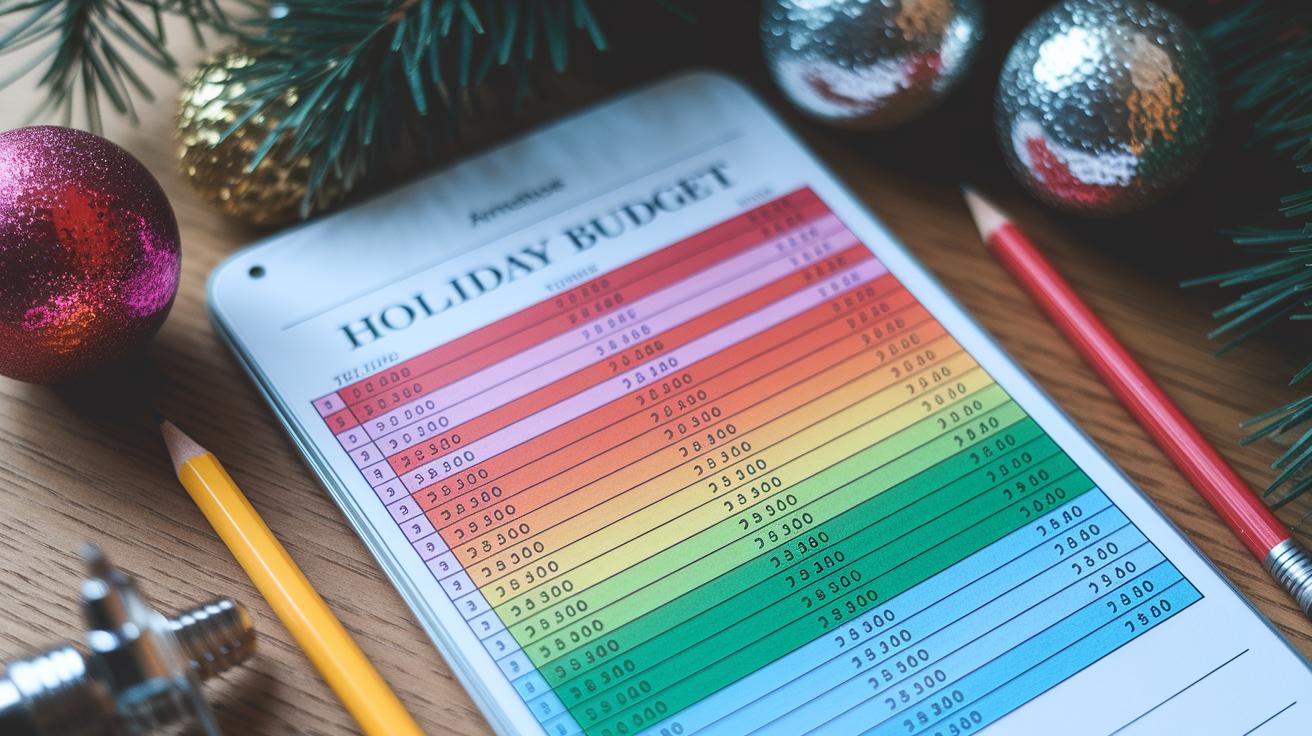
Start by downloading or printing the ledger from your holiday budget planner page. Take a good look at its preset fields. Each expense, from gifts to travel, stands apart like clear sections in a neatly organized notebook.
Fill in your estimated costs for each holiday category. You might use records from previous years or do a little research. For instance, if last season you spent more than expected on gift wrapping, let that guide you this time.
As you shop, jot down the actual spending next to your estimates. This way, you keep everything in one spot, like recording moments in a simple diary right after they happen.
Keep an eye on the running totals in the ledger. It even highlights when you go over your planned expenses, just like a live scoreboard telling you when you need to slow down.
Once the season wraps up, review the differences between your estimates and your spending. This reflection helps you see where you can adjust your future budgets. Have you ever felt a sense of clarity after comparing what you planned with what really happened?
Budget template for holiday spending: Festive cheer
It helps to prepare your gift list early and check prices at different stores. When you set aside time before the holidays, you can collect ideas and find the best deals. For example, writing down gift ideas and browsing a few stores might lead you to a neat discount, like a lower price on that sweater you’ve been eyeing during a clearance sale.
When you shop for decorations and wrapping supplies, try using coupon apps and cash-back cards. These tools trim your spending on extra buys, so every purchase adds to your savings. Imagine checking an app and finding a coupon that takes a few dollars off your wrapping paper purchase.
For larger expenses like travel or hosting events, it’s smart to spread costs over several months. This way, one big bill won’t throw your budget off track. Paying travel costs over a few billing cycles can really make managing money smoother.
Finally, mix this plan with a mobile budgeting app that gives you real-time spending alerts. Using practical budgeting tips helps keep your finances in check throughout the holiday season. This lets you enjoy the festive cheer without worrying about overspending.
Comparing Printable and Digital Holiday Budget Tools
Have you ever struggled keeping track of your holiday spending? Picking the right budgeting tool can really make things easier. You’ve got a few choices here: a printable PDF, a spreadsheet in Excel or Google Sheets, or a mobile app. Each of these has its own way to help you manage your money, from doing everything by hand to handling some of it automatically.
If you like working offline and jotting things down yourself, a printable PDF might be the way to go. Spreadsheets do the math for you as you enter data, so you get quick totals without extra work. And if you’re always on your phone, a mobile app can offer handy reminders and live updates. Think about what fits you best when you add up your holiday expenses.
| Format | Pros | Cons |
|---|---|---|
| Printable PDF | Works offline and is easy to mark up by hand | You have to add up totals yourself, with no auto updates |
| Spreadsheet (Excel/Sheets) | Does the math for you and can be changed to fit your needs | Requires specific software and a bit of learning |
| Mobile App | Updates in real time with helpful reminders | Privacy rules can vary, and sometimes links may redirect you |
So, think about your comfort with technology and how you like to work. In truth, the best tool is the one that fits well with your habits and makes managing your holiday budget a breeze.
Final Words
In the action, this article showed how a free, ready-to-use holiday budget planner can help you manage costs for gifts, décor, travel, and food. It explained smart ways to adjust spending limits and track expenses using Excel, Google Sheets, or a printable PDF. The guide also broke down each category step by step and compared digital and printable options. With the budget template for holiday spending in hand, you can plan wisely and feel confident about your financial health. Enjoy a festive season filled with smart choices!
FAQ
Frequently Asked Questions
What is a printable budget template for holiday spending?
A printable budget template for holiday spending is a ready-to-use tool that helps track costs like gifts, décor, and travel, letting you compare estimated amounts with actual expenses easily.
How do I create a budget for holiday spending?
Creating a budget for holiday spending means listing key expense categories, assigning spending limits, and monitoring actual costs, all of which can be done with a template in Excel or as a printable PDF.
How do I make a holiday budget spreadsheet?
A holiday budget spreadsheet organizes your expenses into sections like gifts and food and uses formulas to auto-calculate totals, making it simple to manage your spending plan.
What does the 50 30 20 rule in Excel mean?
The 50 30 20 rule in Excel divides income into parts—50% for needs, 30% for wants, and 20% for savings—which helps set balanced spending targets for your holiday budget.
How do I make a Christmas budget sheet?
Making a Christmas budget sheet involves listing holiday expenses such as gifts and entertainment in a structured template, enabling you to track spending limits and update totals automatically.
How can I use an Excel holiday budget template?
Using an Excel holiday budget template means inputting your planned amounts for each expense, then relying on built-in formulas to calculate totals and variances between planned and actual spending.
Is there a printable PDF budget template for holiday spending?
Yes, a printable PDF budget template for holiday spending offers a hands-on way to write down your expenses and check totals by hand, making it a flexible option if you prefer offline use.

