Ever wonder if you're spending more than you need on the little things? Imagine a price comparison app as your trusty shopping buddy. It goes to many stores (like scanning a barcode in one shop and checking prices online in another) and finds better deals for you.
These apps can even track when prices go up or down, so you know the best time to buy. It’s like having a little helper who keeps an eye on sales. Read on to discover how these smart tools can help you save money and shop with more confidence.
How Price Comparison Apps Help You Find the Best Deals
Price comparison apps make it really simple to look up prices from many stores with just one tool. You can think of them as a handy sidekick that brings together live updates from both online shops and local stores. These apps can even scan barcodes or QR codes, so when you're in a store, you might quickly check if there's a better price online. I once scanned a product and discovered it was 20% cheaper on another site, pretty neat, right?
Many of these apps also show you a price history so you can tell if a sale is really a steal. For example, ShopSavvy links you to more than 50,000 U.S. retailers, though it doesn’t work as well if you’re outside the U.S. Then there’s BuyVia, which sends you personal alerts and coupons so you can grab deals faster. On the other hand, Amazon’s tool only looks at its own sellers, and PriceGrabber covers a ton of products but sometimes shows old listings. And if you like getting real opinions, you might enjoy Slickdeals where users vote on the best offers.
Using a mix of these apps can help you compare prices more completely. Read customer reviews and check out app ratings to see which one fits your shopping style best. This way, you spend less time and money while still catching every great deal.
Essential Features in a Price Comparison App
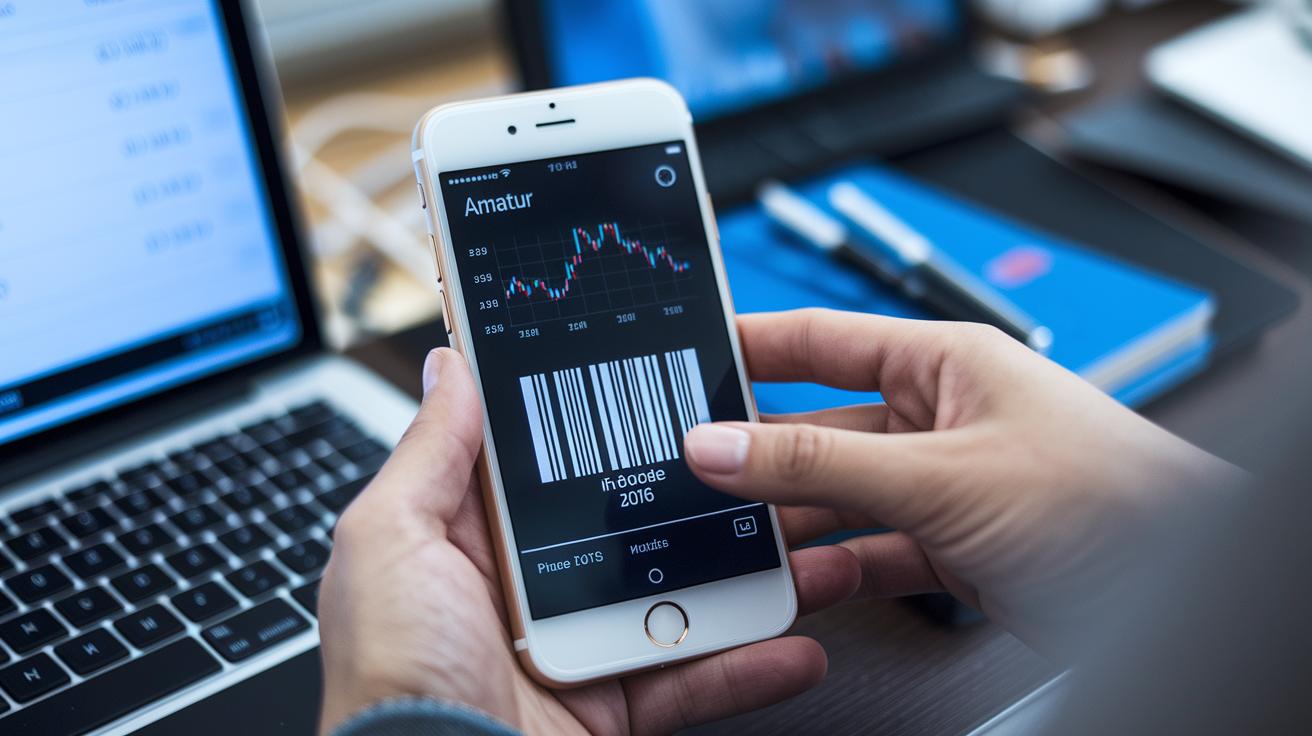
Price comparison apps are like clever tools that keep you up to date with prices. They show you clear numbers in real time, kind of like watching a countdown during a big sale. It feels like magic when you scan a product using a barcode or QR code (those small square codes that store data) and instantly see a chart of its past prices.
These apps make tracking prices easy and fun. You can quickly see how prices have changed over time, right on your phone. And if you're waiting for a deal, you'll get a custom alert when your favorite item drops in price, a little nudge that might save you some cash.
They also pack in coupons and promos so you never miss out on an extra discount. Plus, the app is designed with clear filters. You can sort products by category, store, or brand in just a few taps. For merchants, there are even tools that adjust pricing smartly and keep an eye on competitors, ensuring the best suggestions are always at hand.
Key features include:
- Real-time updates
- Barcode/QR scanning
- Price history tracking
- Custom price alerts
- Coupon and promo integration
- Advanced retailer filters
Top Price Comparison Apps Compared
When you're looking for an app to help you save money or compare prices, each one brings its own mix of perks and drawbacks. ShopSavvy is great for when you're in a store because you can scan a barcode and quickly check prices at over 50,000 U.S. stores. It mostly focuses on the U.S., which means fewer options internationally, but it stays friendly and easy to use when you’re out shopping.
BuyVia, on the other hand, sends you personalized deal alerts and coupons just for U.S. online stores. If you often shop for your favorite brands, this app can really help lower your bills with deals that matter to you.
Honey is a well-known browser add-on that finds and applies coupon codes automatically when you shop online. With over 17 million users, it's a reliable price checker but only works on the web, so it won't help when you’re in a brick-and-mortar store.
PriceGrabber offers a huge selection across categories like electronics, health, and home goods. Its big database gives you a wide look at pricing, though sometimes the details might not be perfectly up to date.
Slickdeals takes a community approach where users vote on the best deals in real time. This means you get lots of opinions on discounts, but the quality of the deals can change depending on who is posting them.
Lastly, DealNews puts together expert-picked daily deals across many categories. Instead of searching through endless offers, you can quickly check out the top selections curated for you. Below is a table that breaks down each app’s coverage, main feature, and a key drawback:
| App | Coverage | Main Feature | Drawback |
|---|---|---|---|
| ShopSavvy | 50,000+ U.S. stores (in-store scanning) | Barcode/QR code scanning | Limited international use |
| BuyVia | U.S. online stores | Personalized deal alerts and coupons | Only focuses on U.S. online deals |
| Honey | Major online sites with 17M+ users | Auto-applies coupon codes | Works only online; no in-store data |
| PriceGrabber | Millions of products in various categories | Wide product selection | Sometimes shows outdated info |
| Slickdeals | Community-driven online offers | Real-time deal voting | Deal quality can vary |
| DealNews | Expert-picked deals across many categories | Daily top deals | Not as wide-ranging as some aggregators |
Retailer Coverage in Price Comparison Apps
Apps come in all shapes and sizes, each offering its own mix of deals. Some only show online U.S. bargains, while others pull in both in-store and online offers. And then there are a few that check only their own sellers or even focus on deals from around the world. It really depends on where you are and what kinds of stores you like, from big chain shops to international sites.
Imagine you're on the hunt for the best price on a new TV. One app might pull up prices from nearby big-box stores, while another goes online, checking marketplaces in several countries. It’s neat to see how each app brings something different to the table.
Here are the main retailer types you might encounter:
- Big-box electronics
- Grocery chains
- Fashion retailers
- Automotive fuel stations
- International online stores
Security and Privacy in Price Comparison Apps
When you use a price comparison app, your information is very important. These apps often ask for your location and shopping history so they can find the best deals just for you. The best apps protect your information with end-to-end encryption (a way to secure data so only you and the intended person can read it) and follow strict rules like GDPR and CCPA. This means they have clear privacy policies that explain exactly how your data is used.
Before you download an app, take a minute to read user reviews. Reviews can point out if an app improperly handles data or sneaks in extra fees. A trustworthy cost analysis dashboard will show any charges clearly so you won’t be surprised by hidden costs later.
Look for apps that give you accurate information and work as a dependable tool to check prices in real time.
Warning signs to watch out for include:
- Requests for permissions that seem unnecessary
- Privacy policies that are not clear
- Price information that seems off, which can lead you to believe an item is cheaper than it really is
User feedback is really important. Honest reviews can help you decide if an app takes care of your privacy while still offering useful price comparisons.
Best Practices for Using a Price Comparison App
If you want to keep your shopping bills in check, a price comparison app is a handy tool. Start by setting up alerts for price drops, kind of like getting a friendly text when your favorite item goes on sale.
Don't forget to use filters to refine your search by brand, model, or store. This way, you'll only see deals that really matter to you. And remember to add shipping and taxes into the mix, so you know exactly what you'll pay come checkout.
It also helps to check out what others are saying. Peer reviews can point out any hidden issues or glitches in the app, sometimes, the best tips come from people just like you.
For a broader look, try using several apps together. Apps like ShopSavvy, PriceGrabber, or Honey can give you a wider range of prices and deals. And be sure to update your apps regularly to get the latest features and fixes.
By following these tips, you can confidently hunt for the best deals and make smarter shopping choices. Happy saving!
Final Words
in the action, this article showed how a price comparison app pulls live data and helps you shop smart. The post broke down key features like real-time updates, barcode scanning, and price history tracking. It compared top apps side-by-side, reviewed different retailer coverages, and outlined vital security points. It also gave clear tips on setting reminders and filtering choices to manage your finances. Each tip is a simple step toward better budgeting and savings. Enjoy using these tools to shop wisely and boost your financial strength.
FAQ
What is a price comparison app for online shopping?
A price comparison app for online shopping is a tool that gathers prices from various retailers, both online and in physical stores, so you can quickly spot the best deal.
How do price comparison apps work?
Price comparison apps work by aggregating product prices from multiple sources in real time. They use barcode or QR code scanning and detailed product feeds to offer you accurate and up-to-date information.
What is the best price comparison app or website?
The best price comparison app or website depends on your shopping habits. Some popular options include apps like ShopSavvy and Honey, along with sites that list products from many retailers for clear, easy comparisons.
How can I compare prices between stores using these apps?
When you compare prices between stores, the app scans and pulls data from each retailer to show current prices. This helps you make a wise choice by comparing similar products side by side.
What Google app compares prices and tracks shopping deals?
The Google Shopping App compares prices by collecting offers from various sellers. It also tracks price changes, helping you decide when to buy for the best savings.
How does AI price comparison work?
AI price comparison works by using computer algorithms to quickly analyze prices from many retailers. It offers a tailored list of offers that match your needs, helping you save time and money.
Is there a free price comparison app for mobile users?
Yes, many price comparison apps are free for mobile users on Android and iPhone. These apps let you scan products, view price history, and set alerts without any charge.

